Roku Simulator Display and Input
Preview Roku layouts and remote navigation in the web simulator.
Display presets
The simulator includes rokusd, rokuhd, and rokufhd presets. Select a preset in the development toolbar or with a URL parameter:
?device=rokufhd
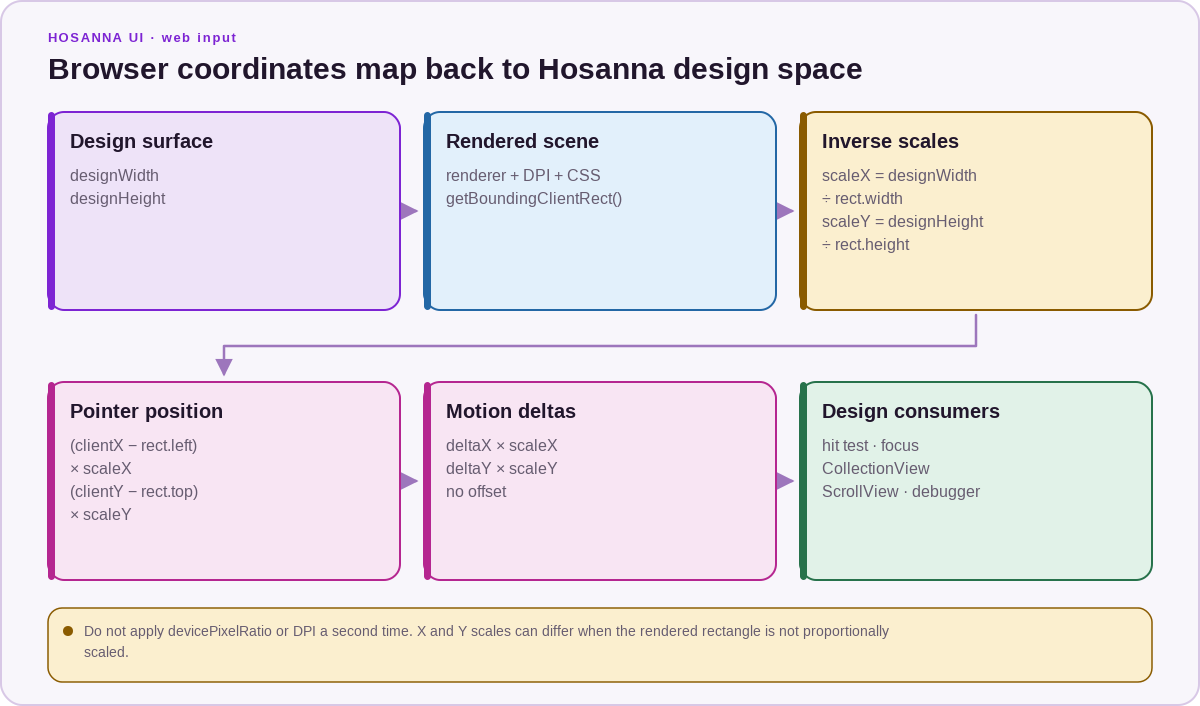
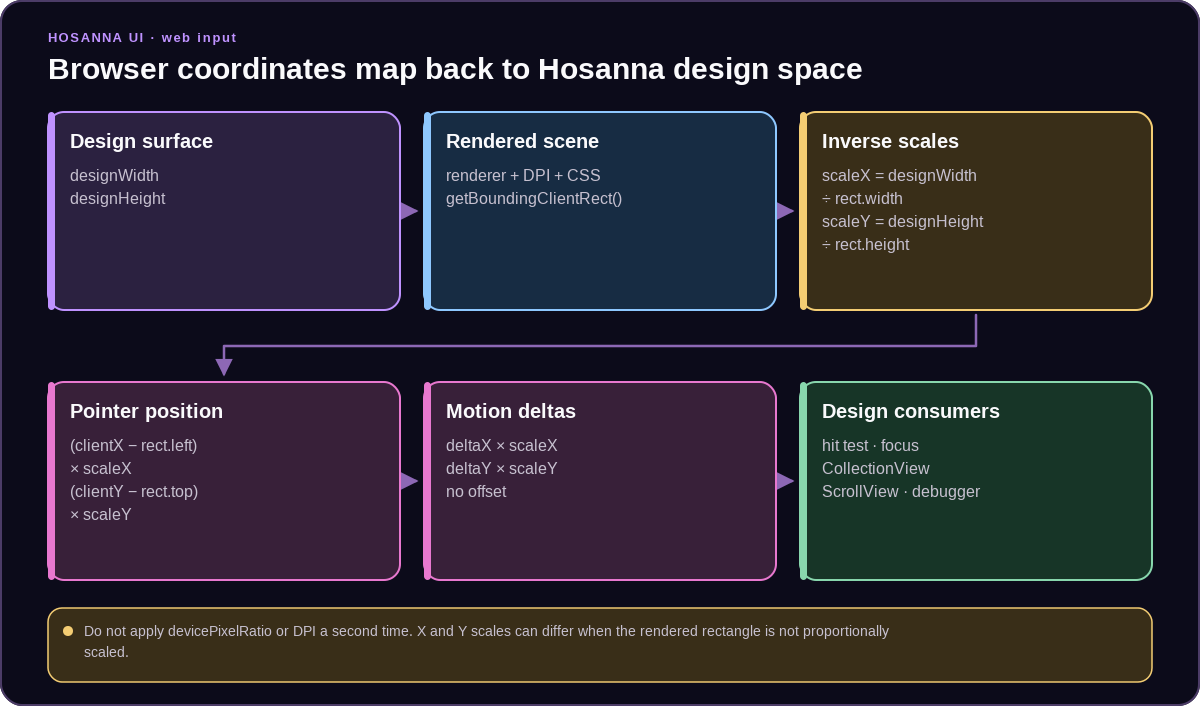
Use the same design coordinates and layout constraints as the Roku app. A browser window can scale the preview; it does not change the app into another device target. Roku uses a landscape display.
Remote input
Use keyboard navigation to exercise focus, directional movement, OK, and Back through the simulator's Roku input adapters. Check focus restoration after dialogs, screen transitions, and list updates.
The simulator keyboard dialog models Roku text entry. Validate remote and voice input on the hardware used for release testing.
Device state
The development controls can simulate supported Roku behavior such as network availability, memory pressure, captions, and deep links. These controls are for repeatable development checks. Finish by building the Roku package and testing it on a device.