Images and Visual Regression
Use structural assertions first, then add a visual baseline for appearance that cannot be expressed reliably as state. The framework distinguishes three image concepts: application image readiness, proof screenshots for reports, and pixel-comparison baselines.
Assert application images
An image can have a URI without being rendered successfully. The image API can require load status, rendered dimensions, load dimensions, decoded bitmap dimensions, and a URI pattern.
const poster = hs.image.inCollectionCell({
  collectionId: 'collectionView',
  rowId: 'featured',
  cellIndex: 0,
  imageId: 'poster',
});

await expect(poster).toBeLoadedImage({
  uri: /^https:\/\//,
  minWidth: 1,
  minHeight: 1,
});
Decoded bitmap dimensions are required by default. Set requireBitmapSize: false only for a runtime that cannot expose them, and explain why in the test.
Capture a report image
hs.screenshot.capture(name) writes a PNG under the current run and target. hs.proof.capture(name, options) adds a screenshot plus selected control/image state to the HTML and JSON report.
Before normal screenshots, the client waits for the screen, focus, and hierarchy to remain unchanged and then allows a short render-settle interval. Configure these timings globally in config.screenshot or per capture. Use waitForStable: false only when intentionally capturing a transitional frame.
Compare a baseline
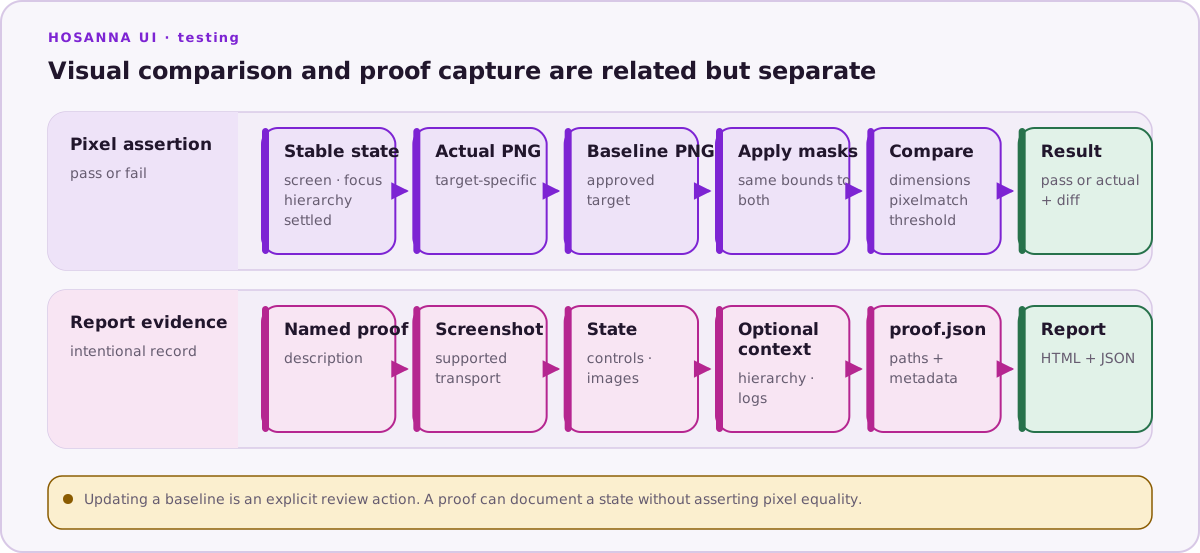
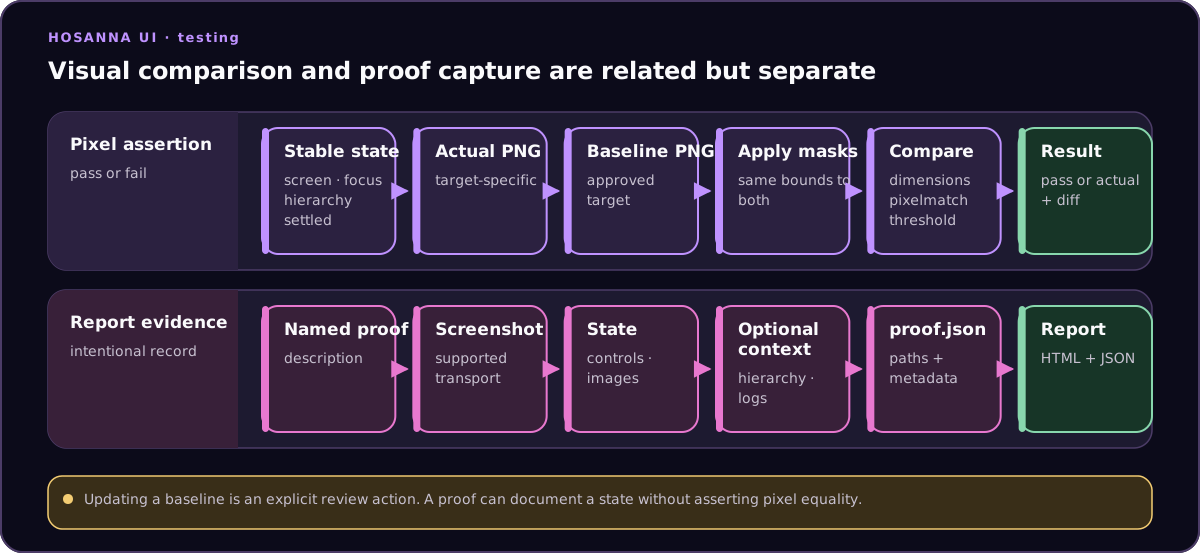
const result = await hs.screenshot.match('springboard-focused', {
  threshold: 0.01,
  masks: [hs.control.byTestId('dynamic-clock')],
});

expect(result.pass).toBe(true);
The framework stores approved baselines here:
integration/__screenshots__/<platform>-<target>/<name>.png
Actual images go to the run's actual/ directory. A failed comparison also writes <name>.diff.png. The match threshold is the maximum changed-pixel fraction; it defaults to 0.01. Pixelmatch's per-pixel color threshold remains 0.1 internally.
Masks use the serialized bounds of semantic control locators and black out the same rectangles in actual and baseline images. Prefer making content deterministic; mask only a bounded region whose dynamic value is outside the test contract.
Create or update a baseline
Without an existing baseline, comparison fails and explains how to opt in. To create or intentionally replace one:
npm run test:ui:update
The hosanna-ui-samples-public update script sets HS_UPDATE_SCREENSHOTS=1 and selects
integration/visual. The current client copies an existing baseline
only after the comparison passes. The environment variable creates a missing
baseline and refreshes an existing baseline that is already within its allowed
threshold; it does not approve a significantly changed image. For an intentional
larger change, retain the old PNG for review, move it out of the baseline path,
run the update command to create the replacement, and compare the two before
discarding the old copy.
Review this sequence:
- Confirm all structural assertions pass.
- Inspect the current actual image and proof state.
- Explain the UI change in the review.
- Run only the affected visual test with update enabled.
- Inspect the new PNG at its actual size.
- Commit the target-specific baseline with the test change.
Never regenerate every baseline to hide an unexplained environment difference.
Keep images stable
- Pin Node, Hosanna Tools, browser, fonts, and CI image where practical.
- Wait for remote images to report
readyand positive decoded dimensions. - Disable or settle animation before capture through application-supported state.
- Use controlled data for pixel assertions; use structural proofs for changing editorial or time-based content.
- Keep browser and device baselines separate.
- Use clear names that describe the asserted state, not an ordinal such as
screenshot-2. - Compare in the same rendering environment that produced the approved baseline.
Browser emulation does not make a browser baseline equivalent to a physical television or mobile device. See Devices, Browsers, and Input Methods.
Screenshot support
The shared launcher supports screenshots on owned browser targets, physical Roku targets, and iOS, Apple TV, Android, and Android TV native simulators. Roku capture requires the configured developer password. Apple simulators use simctl; Android virtual devices use ADB. Other physical-device transports currently report no screenshot capability through this package.
Keep a separate baseline for every <platform>-<target> directory. A native simulator baseline is not interchangeable with the corresponding browser preset or physical device.
Next: Video Recording.
Reference test: integration/visual/navigation.test.ts.