Roku Stack Source Maps
Hosanna Tools can map generated Roku BrightScript line numbers back to the TypeScript that produced them. Use roku:map-stack when you have copied Roku crash output, telnet logs, or compiler errors and need the original .ts file and line.
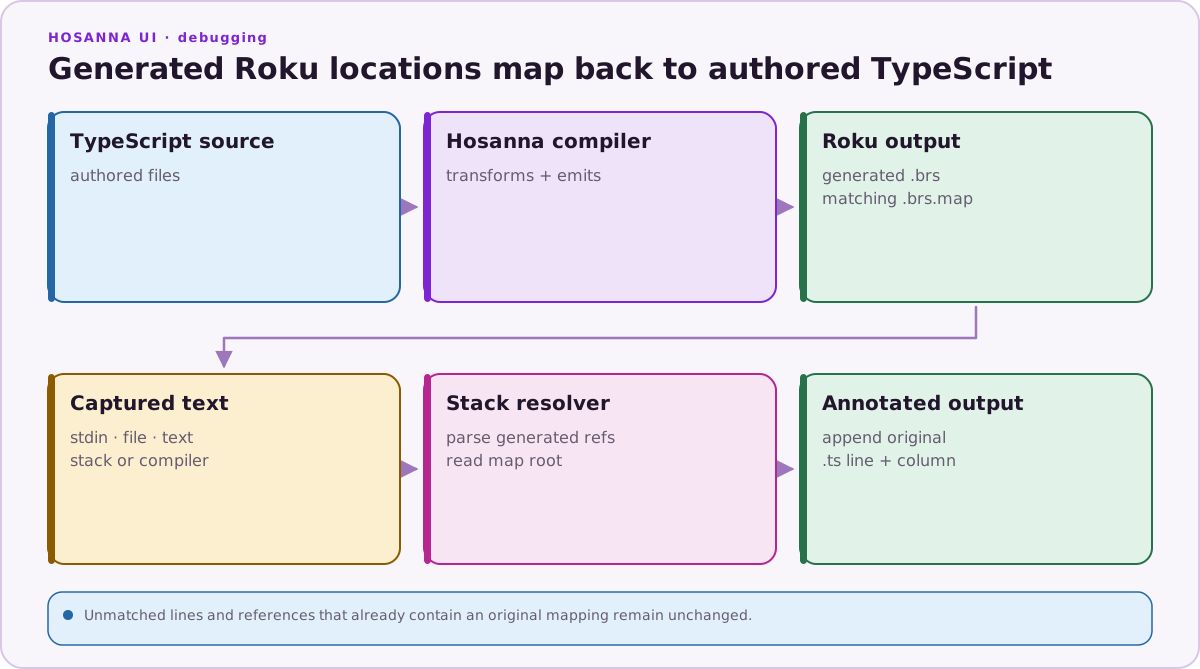
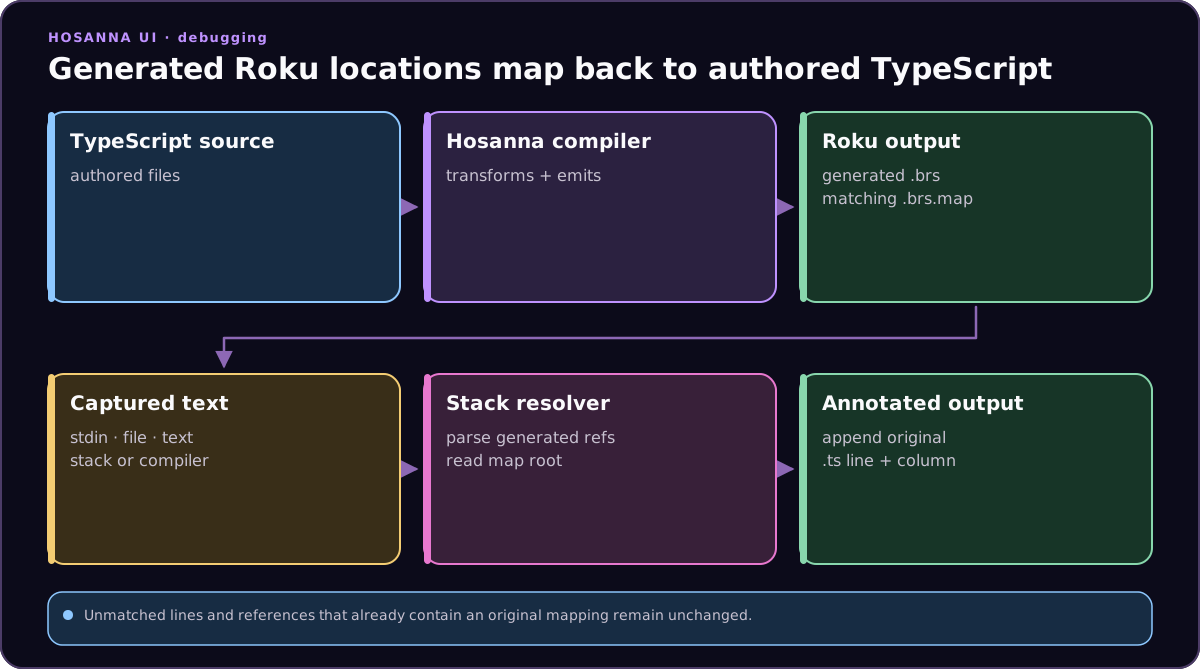
The command reads text from stdin by default:
pbpaste | npx hst roku:map-stack --source-map-root platforms/roku/src
You can also pass a file or a single line:
npx hst roku:map-stack --file crash.txt --source-map-root platforms/roku/src
npx hst roku:map-stack --text "file/line: pkg:/components/source_0.brs(7475)"
--source-map-root should point at the packaged Roku source folder that contains the generated .brs and .brs.map files. In Hosanna app repos this is usually:
platforms/roku/src
Supported Formats
Roku debugger backtraces:
file/line: pkg:/components/source_0.brs(7475)
At-style stack traces:
at $anon_528() As Dynamic (pkg:/components/source_1.brs:6636)
Compiler output:
--- Syntax Error. (compile error &h02) in pkg:/components/source_3.brs(4710)
--- Syntax Error. (compile error &h02) in source_10.brs:8211
Inline references, including multiple generated file references on one line:
frames: pkg:/components/source_1.brs:260 then pkg:/components/source_1.brs:6636
Lines without a matching source map are left unchanged. This keeps framework or bridge frames readable when they do not have an original TypeScript location.
Example
Input:
--- Syntax Error. (compile error &h02) in source_10.brs:8211
Output:
--- Syntax Error. (compile error &h02) in source_10.brs:8211 -> TaskIdRigCommands.ts:179:4
The command also avoids appending a second mapping if the pasted text already contains a -> TypeScript.ts:line suffix.