Building For Apple TV
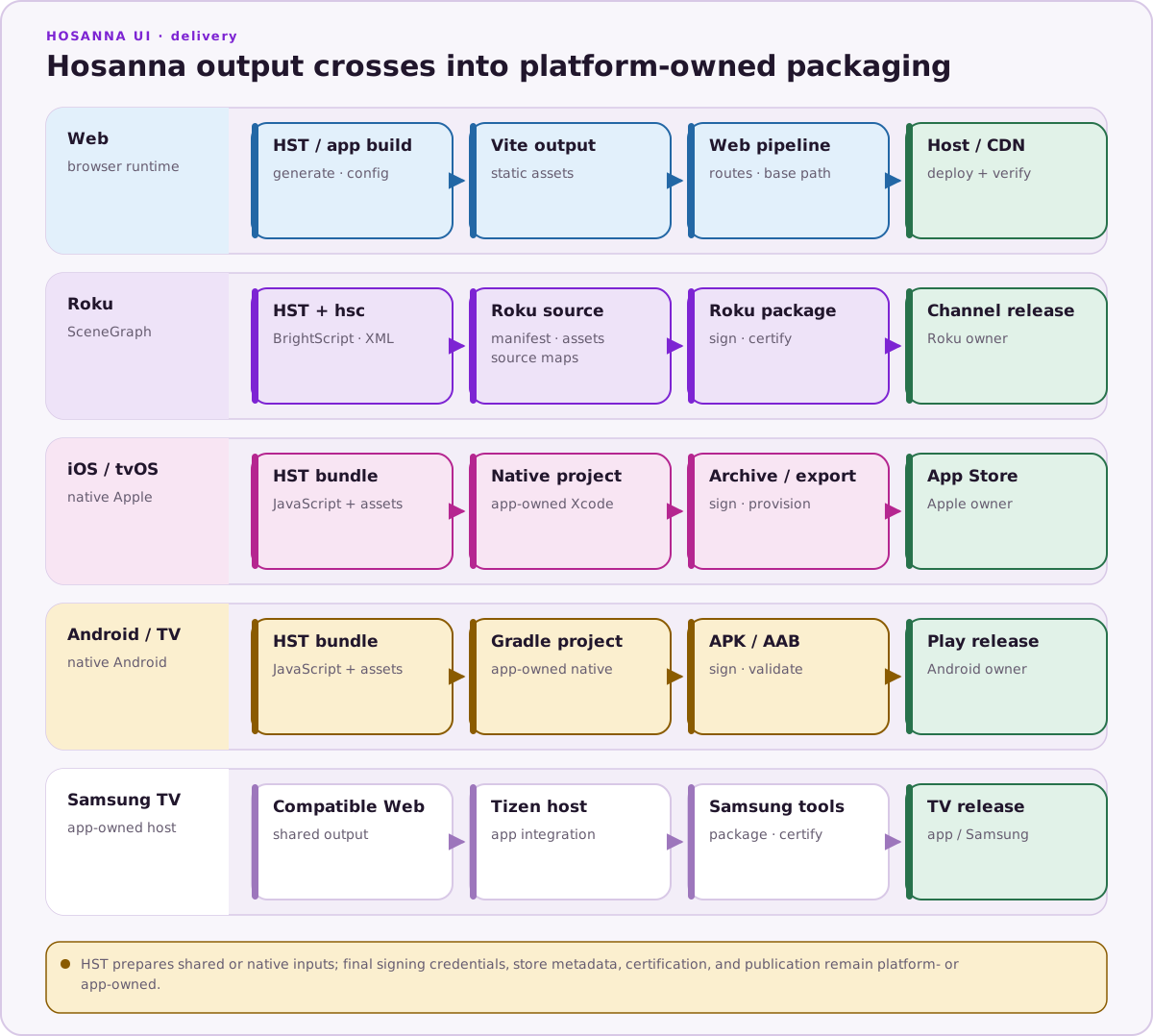
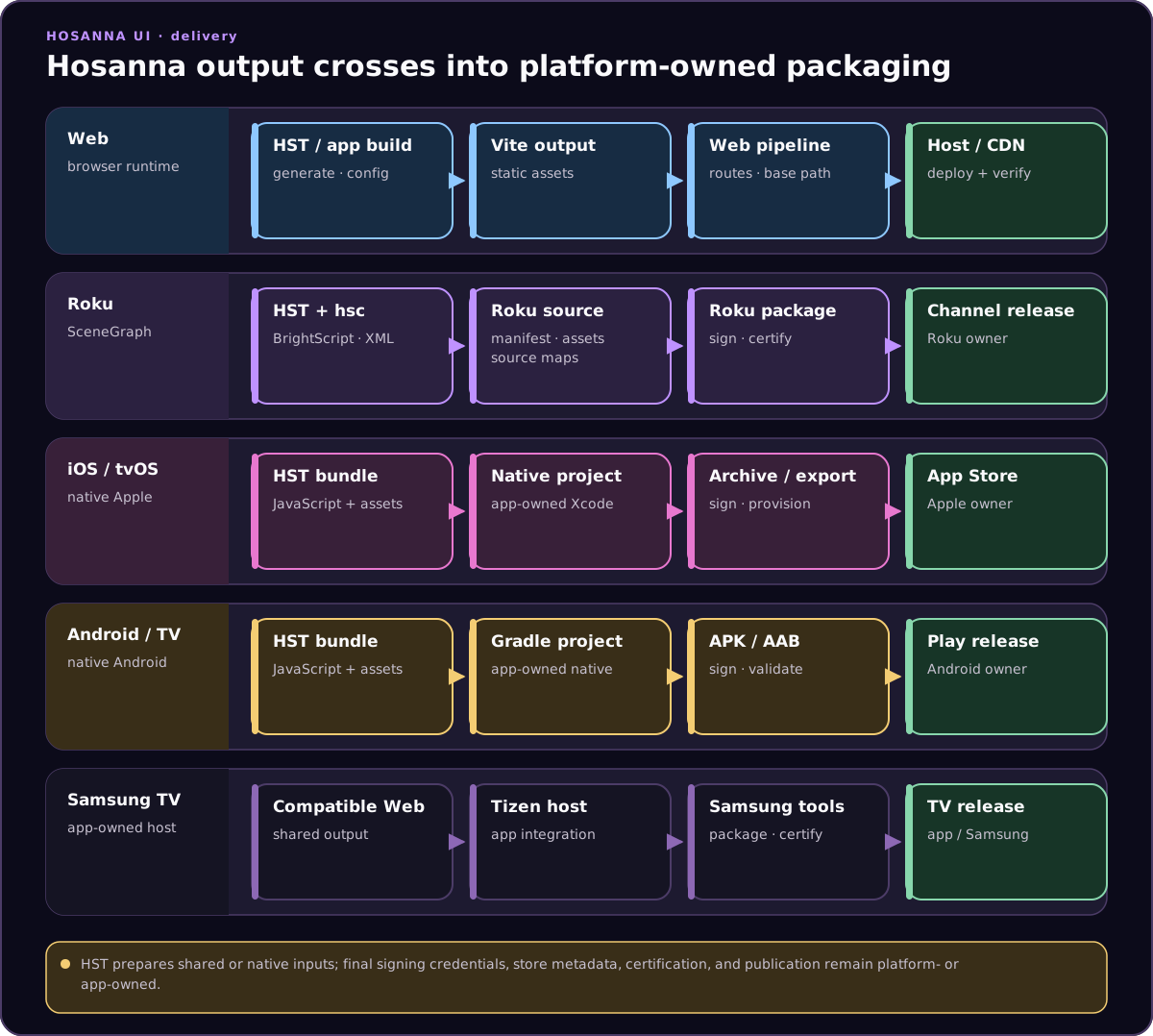
Use the Apple TV target when you are ready to validate the shared Hosanna app on tvOS hardware or simulator. Most UI, AppConfig, fragments, focus, and input behavior should be developed in Browser first, then finished on the Apple TV target.
Prerequisites
- macOS with Xcode installed.
- Access to the licensed Hosanna framework sources and tooling for the project.
- Apple signing credentials, bundle identifiers, and provisioning profiles for device or release builds.
- The project dependencies installed from the lockfile with
npm ci.
Build And Run
Use hst run for current tvOS simulator and device work:
npx hst native:prepare apple-tv
npx hst native:doctor apple-tv
npx hst target:list --platform apple-tv --target sim
npx hst run apple-tv dev sim --device "Apple TV 4K"
npx hst run apple-tv dev sim --device "Apple TV 4K" --hot-reload
npx hst target:list --platform apple-tv --target device
npx hst run apple-tv dev device --device "Living Room Apple TV" --no-logs
Use --device to select an Apple TV simulator name, simulator UDID, or
real-device identifier. Bundled mode is the default; --hot-reload is an
explicit, supported development mode for Apple TV.
You can still open the shared Apple native project in Xcode for signing, capabilities, profiling, and release builds. Do not use Xcode or VS Code launch targets as the default app launcher when an hst run path exists.
Static Assets
Apple TV uses the same Apple native asset staging path as iOS: hsconfig static files are copied into platforms/apple/hosanna-apple/assets, and the JavaScript bundle remains separate. Configure platforms/hsconfig-apple-tv.json, share platforms/hsconfig-apple.json, or pass --hsconfig for a content variant.
Use negative staticFiles entries for excludes, for example !assets/images/dev-only/**. Do not use env interpolation; create a separate hsconfig file for each asset set.
Debugging
- Use Browser for fast iteration and the MCP debugger for shared state, focus, and input inspection.
- Use Xcode for native logs, signing issues, lifecycle events, and device-specific failures.
- Validate Siri Remote directional input, select/back behavior, safe areas, app resume, networking, and playback on hardware.
See Apple TV for platform-specific runtime notes.