Building for Browser
Use the canonical Browser target for the fastest Hosanna development loop and
for browser-delivered releases. Legacy web platform input is accepted as a
deprecated alias and normalizes to browser. The runtime identity remains
PlatformId.Web or PlatformId.WebPwa, and Browser continues to use the
shared Web DOM implementation.
Browser is also the best place to validate shared AppConfig, fragments, focus, input adapters, networking, and visual layout before moving to device targets.
Prerequisites
- Node.js and project dependencies installed from the lockfile with
npm ci. - Access to the licensed Hosanna framework sources and tooling for the project.
- Browser DevTools, Hosanna DevTools, and MCP debugger access for deeper runtime inspection.
Run Locally
Use Hosanna Tools from the terminal. hst run browser dev emulator resolves the Browser
build config, starts or reuses Vite and generator/debugger services, and opens
the browser for interactive runs.
npx hst run browser dev emulator
The current sample repository wraps this as npm run dev:server. To choose a
port explicitly:
npx hst run browser dev emulator --vitePort 5175
Production Build
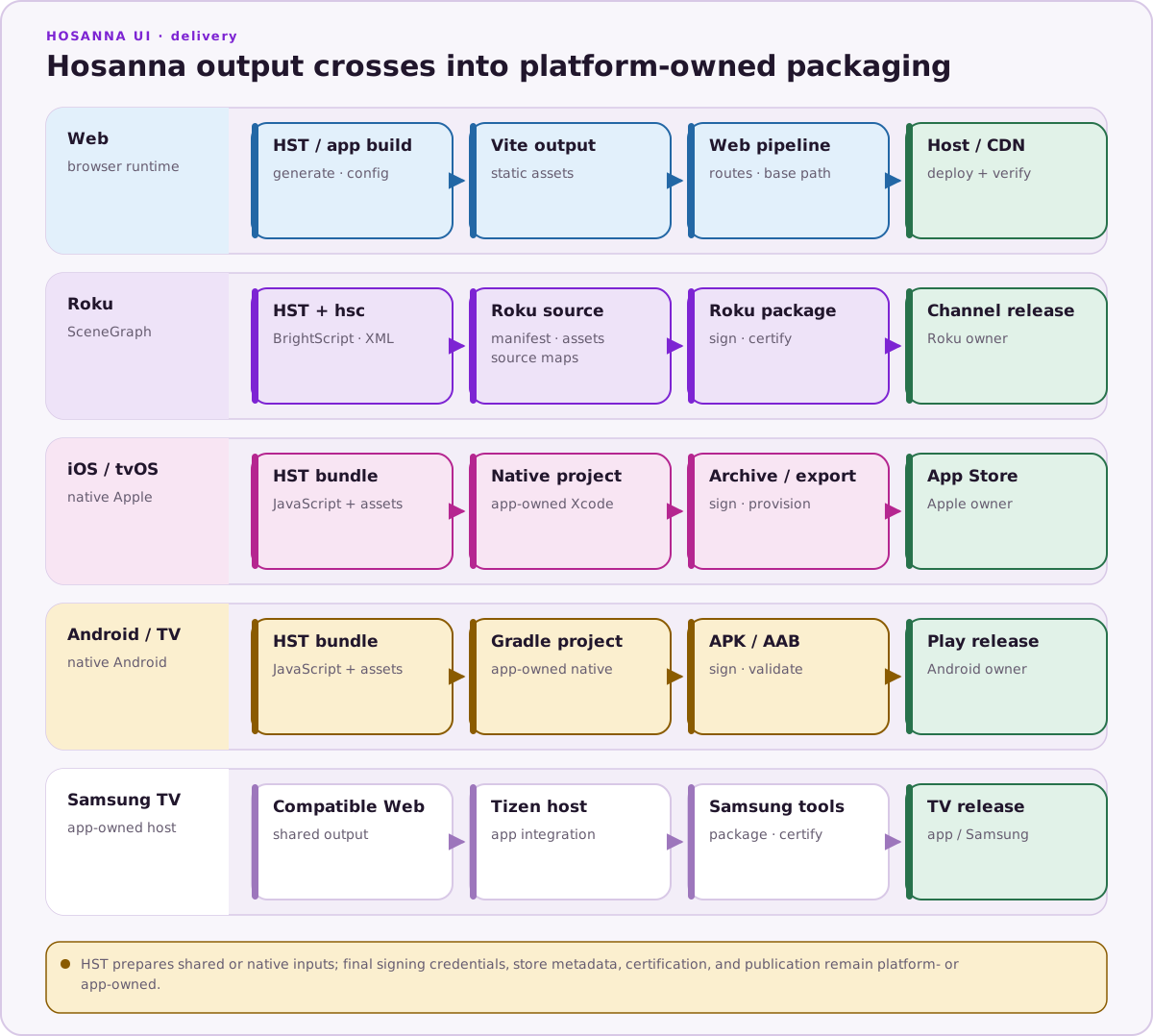
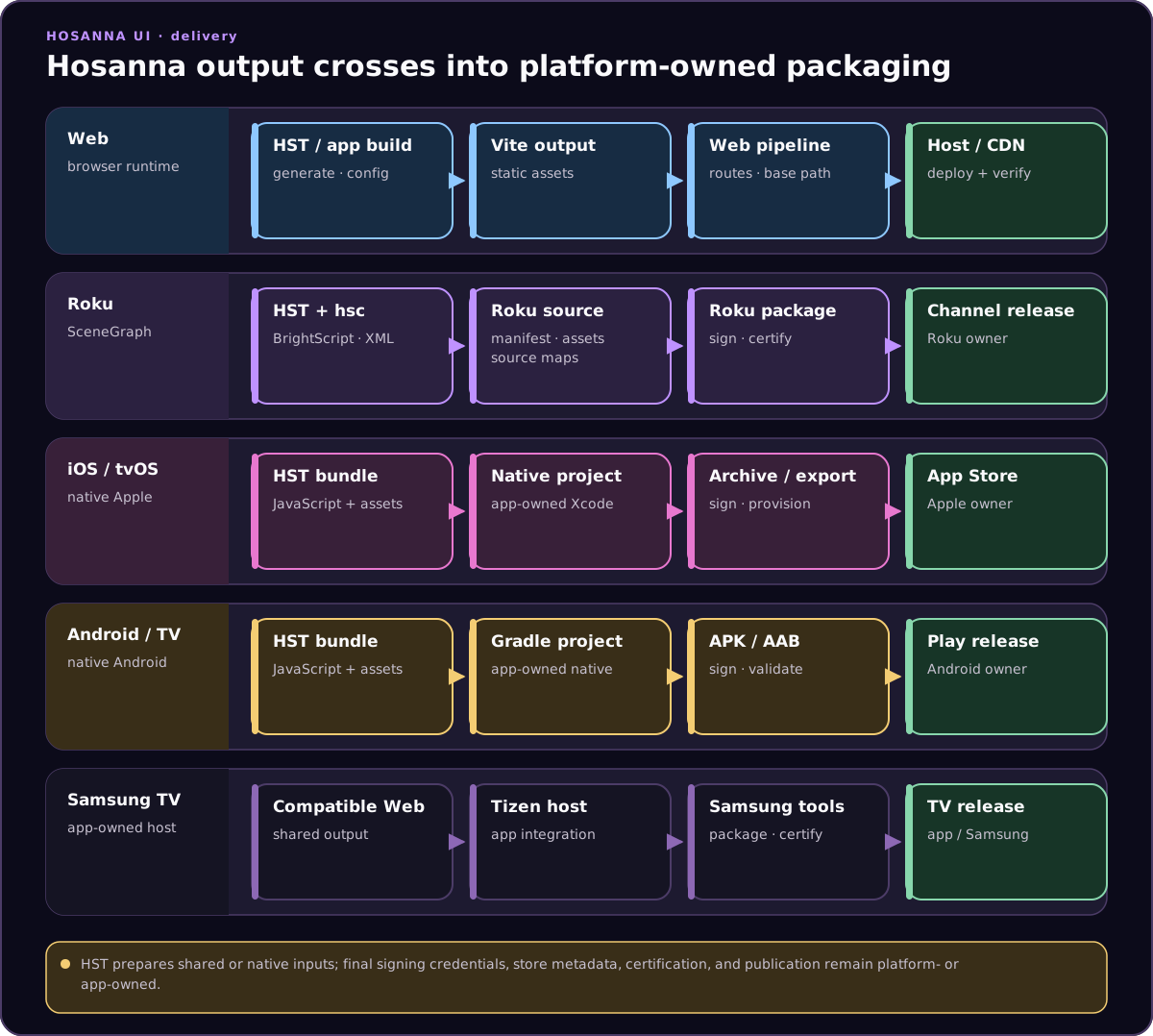
Build production Browser assets with the project release script. In the sample
repository, npm run build:browser runs generation, resolves the web
build-config overlay, type-checks the Browser project, runs Vite, and copies
runtime assets. hst build browser ... emulator only resolves its build-only
inputs; it does not emit the production Vite artifact.
npm run build:browser
Validate the generated assets, AppConfig loading, routes, fonts, images, environment variables, and deployment base path before release.
The PWA integration is build-only: the manifest, registration module, service worker, offline page, and copied icons are emitted by the production Vite build, not by the normal fast-refresh server. Serve the exact production output through the project's preview or release-hosting configuration when validating installation, scope, cache headers, updates, and offline navigation. Production service workers require HTTPS; localhost is accepted for local testing.
Debugging
- Use browser DevTools for rendering, network, performance, and console output.
- Use Hosanna DevTools and the MCP debugger for app state, focus, input, logs, screenshots, and runtime tree inspection.
- Validate keyboard, pointer, touch, remote emulation, DPI, and design-resolution behavior.
See Web, Browser Progressive Web Apps (PWA), and Browser Expression, DPI, and Touch Input for Web-specific runtime and release notes.