Building For Roku
Deployment
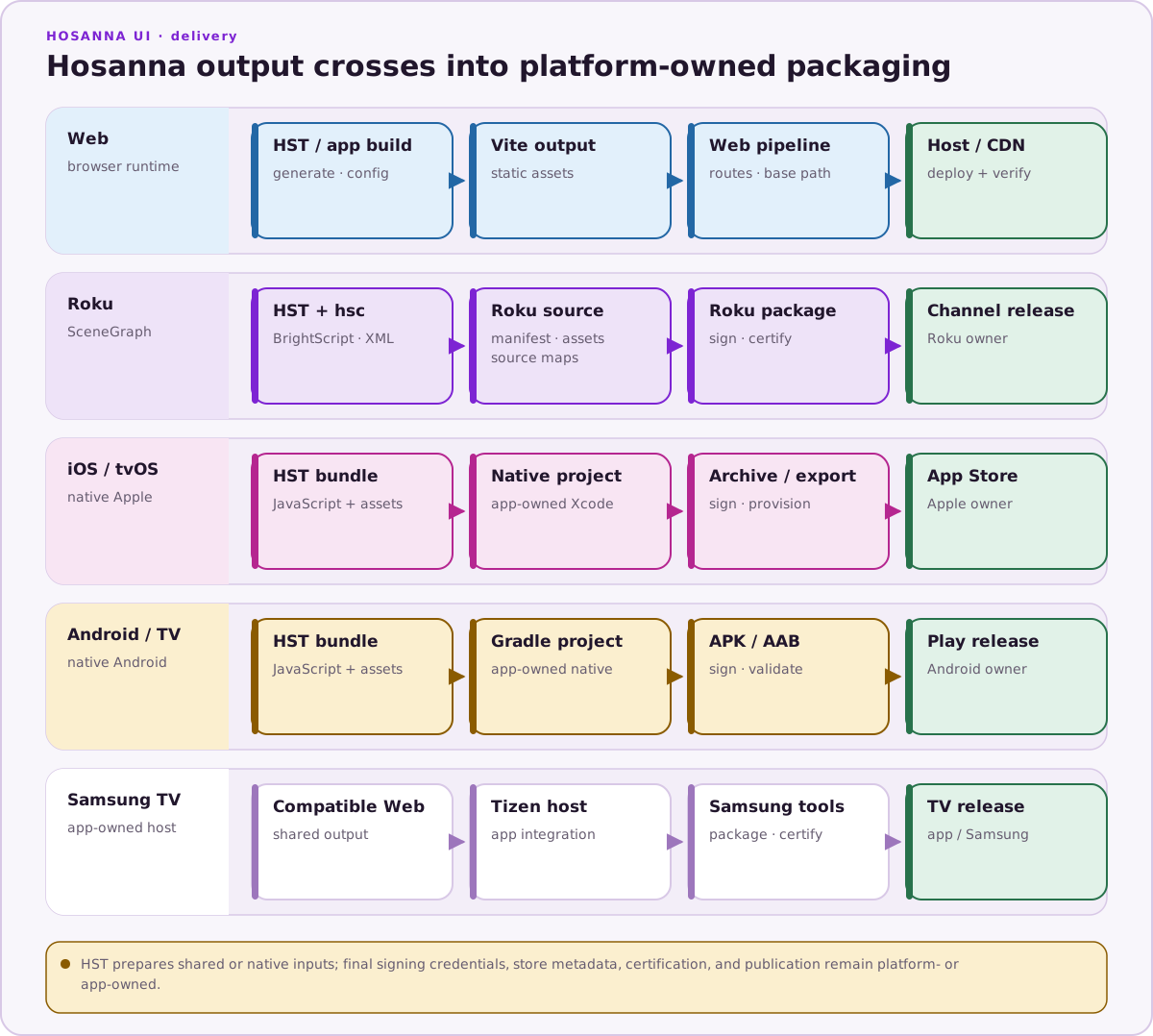
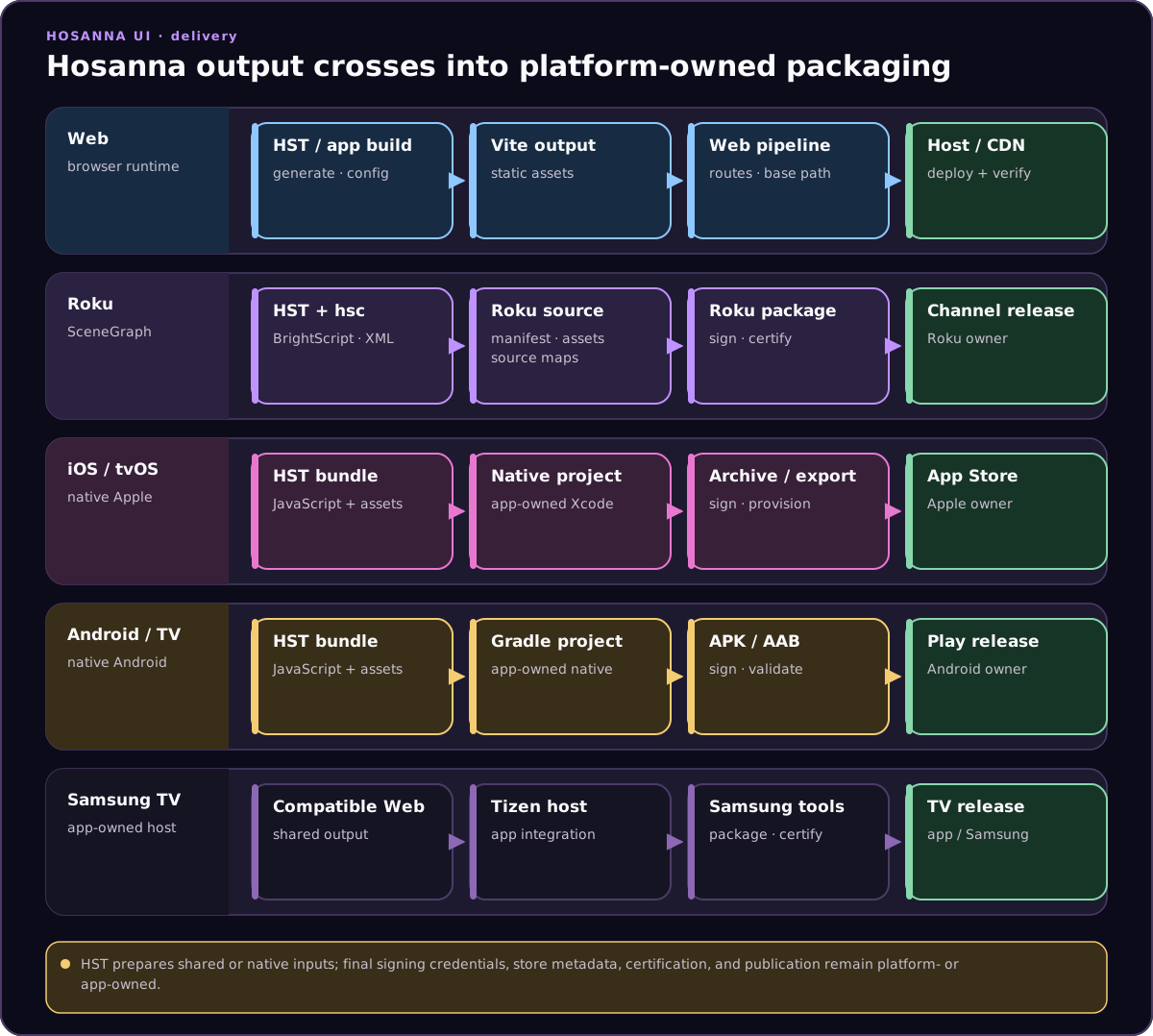
See Hosanna Compiler License And Tool Setup for instructions on installing and licensing the Hosanna Compiler.
Build and run Roku from the terminal:
npx hst target:list --platform roku
npx hst build roku dev device
npx hst run roku dev device --device "Living Room Roku" --replace
hst build roku dev device resolves assets/meta/build-config.json, installs the configured compiler if needed, and runs the selected Roku hsconfig file. Use --hsc-project when the repo has explicit dev/prod files:
npx hst build roku prod device --hsc-project platforms/hsconfig-roku.prod.json
hst run roku dev device builds when needed, deploys to the selected Roku, and streams logs unless you pass --no-logs. If you have already built and only need to redeploy generated output, use:
npx hst run roku dev device --no-build --source-root platforms/roku/src --device "Living Room Roku"
Debugging
Use breakpoints for debugging. Errors and crashes appear in the console, synced with source maps.
Hosanna debugger Chrome extension
This extension lets you inspect a Roku application from Chrome and modify supported runtime state in real time. It works with a Roku device target and with a Roku platform expression running in the Hosanna browser runtime.
To use the Hosanna debugger extension:
- Install the Hosanna debugger extension from the Chrome Web Store.
- Start the debug proxy:
npx hst debugger:start - Configure the IP address of the machine where you ran the debugger in an explicit build-config profile, for example
build-config/profiles/local-debug.json, then run with--profile local-debug:npx hst run roku dev device --profile local-debug --device "Living Room Roku"
Limitations
-
BrightScript REPL uses
minstead ofthis. -
BrightScript debugger is slow and crash-prone.
-
Transpiled code may differ (e.g.,
thing.get_foo()instead ofthing.foo) -
Here are some helpful tips:
- Use
get_foo()for getters - Use
set_foo(value)for setters - Use
getField('name')for state values, or observable fields
- Use
Struct Generator
Hosanna UI uses a custom generator to create boilerplate code for views, tasks, and components. This generator ensures consistency, reduces manual coding effort, and helps you follow best practices.
The generator produces "struct" files that:
- Define state fields and methods for each Hosanna component.
- Create utility methods for easy, declarative instantiation of components.
- Help maintain type safety and code clarity.
How to use the generator:
- Generate structs and command maps:
npx hst generate:all - Remove generated files:
npx hst generate:clean
Note:
If you run npx hst run browser dev emulator, Hosanna Tools starts the generator/debugger services used by the browser development loop. You do not need to start a separate IDE task for normal browser development.
For more details on struct files and advanced usage, see the dedicated documentation in the guides section.