Items, Inventory, And Persistence
The item system separates static definitions from mutable player state. GameItemCatalog assigns stable numeric handles at setup; GameInventory uses those handles for currency, counts, and equipment while serializing by stable string keys.
Build And Seal A Catalog
interface MyItem extends GameItem {
  damage?: number;
}

const catalog = new GameItemCatalog<MyItem>();
const weaponSlot = catalog.defineSlot('weapon');
const potion = catalog.register({
  key: 'potion',
  name: 'Potion',
  slot: GAME_ITEM_NO_SLOT,
  maxCount: 9,
});
const sword = catalog.register({
  key: 'iron-sword',
  name: 'Iron Sword',
  slot: weaponSlot,
  maxCount: 1,
  damage: 4,
});
catalog.seal();
Call seal() after all slots and items are registered. It builds the per-slot index and prevents definitions from changing after numeric handles have entered gameplay.
Keys must be unique and stable across releases. Numeric item and slot handles are runtime-only; persisted saves use item keys and slot keys.
Inventory State
Construct an inventory with the sealed catalog and the currencies that game recognizes:
const inventory = new GameInventory(catalog, ['gold', 'xp']);
const gold = inventory.getCurrencyHandle('gold');

inventory.addCurrency(gold, 25);
inventory.add(potion, 2);
inventory.add(sword);
inventory.equip(weaponSlot, sword);
Currency keys must be unique and stable. The current inventory constructor copies the list but does not reject duplicates; duplicate keys make handle lookup and serialized records ambiguous.
Important behavior:
| Operation | Result |
|---|---|
add(index, count) | Adds up to maxCount and returns the amount actually added. |
consume(index, count) | Fails atomically if the item count is too small. |
equip(slot, index) | Requires an owned item whose declared slot matches. |
consume() to zero | Automatically clears that item from any equipment slot. |
spendCurrency(handle, amount) | Fails without changing state when funds are insufficient. |
reset() | Clears currencies, item counts, and equipment. |
Read inventory.snapshot for stable arrays and a revision counter. The snapshot is mutated in place, so use revision to decide when UI or persistence must refresh.
Save And Load
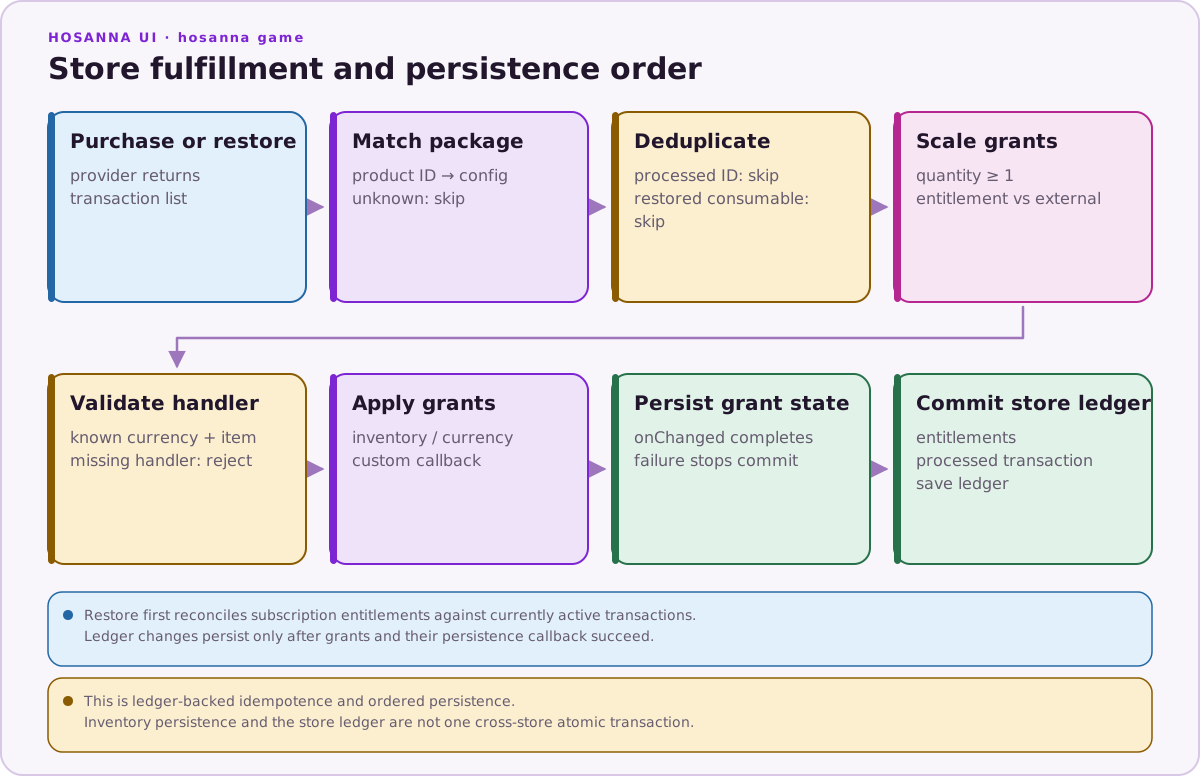
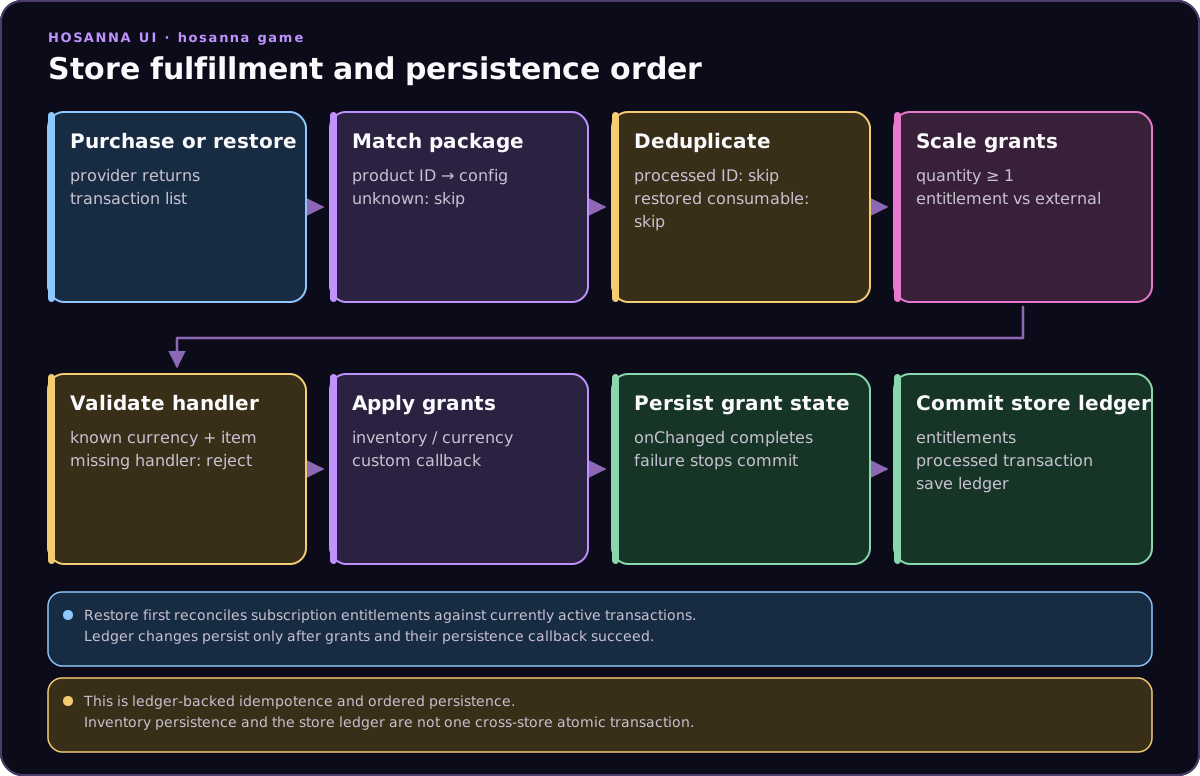
serialize() returns:
interface GameInventorySave {
  currencies: Record<string, number>;
  items: Record<string, number>;
  equipped: Record<string, string>;
}
load() treats its input as untrusted. It ignores unknown keys, clamps counts to item maxima, rejects invalid quantities, and only restores compatible owned equipment.
The samples bridge that save to their settings context:
loadGameInventory(context, GAME_ID, inventory);

// Later, when snapshot.revision changes:
saveGameInventory(context, GAME_ID, inventory);
Persist at bounded lifecycle points—after a purchase, when leaving a run, or when the revision changes—not once per frame.
Inventory Versus Upgrade Progress
Use GameInventory for owned, consumable, and equippable objects plus named currencies. Use Hs2dProgressStore for a banked currency and level-based upgrade tracks. A game may use both, as Hosanna Dungeon does, but each should have one clear authority.
Source References
| Source | What it proves |
|---|---|
../games/hosanna-ui/src/hosanna-game/items/GameItemCatalog.ts | Item schema, slot handles, registration, sealing, and lookups. |
../games/hosanna-ui/src/hosanna-game/items/GameInventory.ts | Currency, counts, equipment, revisioned snapshot, serialization, and defensive load. |
../hosanna-ui-game-samples-public/src/hosanna-game-examples/GameInventoryPersistence.ts | Sample settings-context bridge. |
../hosanna-ui-game-samples-public/src/hosanna-game-examples/GameInventoryPersistence.test.ts | Round-trip and invalid-payload behavior. |