Fragment Constraint Catalog
Use this reference to choose an inline fragment constraint and check its arguments. For the complete authoring model, explicit rules, ordering, caching, and failure behavior, see Fragment Constraints.
Inline Binding Form
Author an inline constraint in the layout field it controls:
{
  "id": "titleLabel",
  "subType": "Label",
  "width": "{{constraint.fillX(left, cell.right, 0, 40, { min: 120, max: 520 })}}",
  "translation": [
    "{{constraint.pin(left, poster.right, 24)}}",
    "{{constraint.pin(top, poster.top, 0)}}"
  ]
}
Every constrained view needs an id. translation[0] maps to x, and
translation[1] maps to y. If both axes are constrained, AppConfig removes
the authored translation field from the static node style. If only one axis
is constrained, it preserves the literal axis and uses 0 for the constrained
axis until layout runs.
Inline numeric arguments must be literal numbers. To use data, focus, cell
size, safe-area metrics, or another computed value as a numeric argument,
author an
explicit constraint rule
with a computed.name argument.
An optional final object supports:
{ priority: 10, min: 120, max: 520 }
priorityis an integer that controls execution order. Lower values run first.minandmaxclamp the rule's target property after evaluation.
A trailing numeric priority still parses for compatibility:
{{constraint.pin(left, poster.right, 24, 100)}}
Prefer the named form in new config:
{{constraint.pin(left, poster.right, 24, { priority: 100 })}}
Function Summary
| Function | Use it to | Runtime writes |
|---|---|---|
pin | Attach one edge or center to another | x or y |
fillX | Fill horizontal space between two edges | x and width |
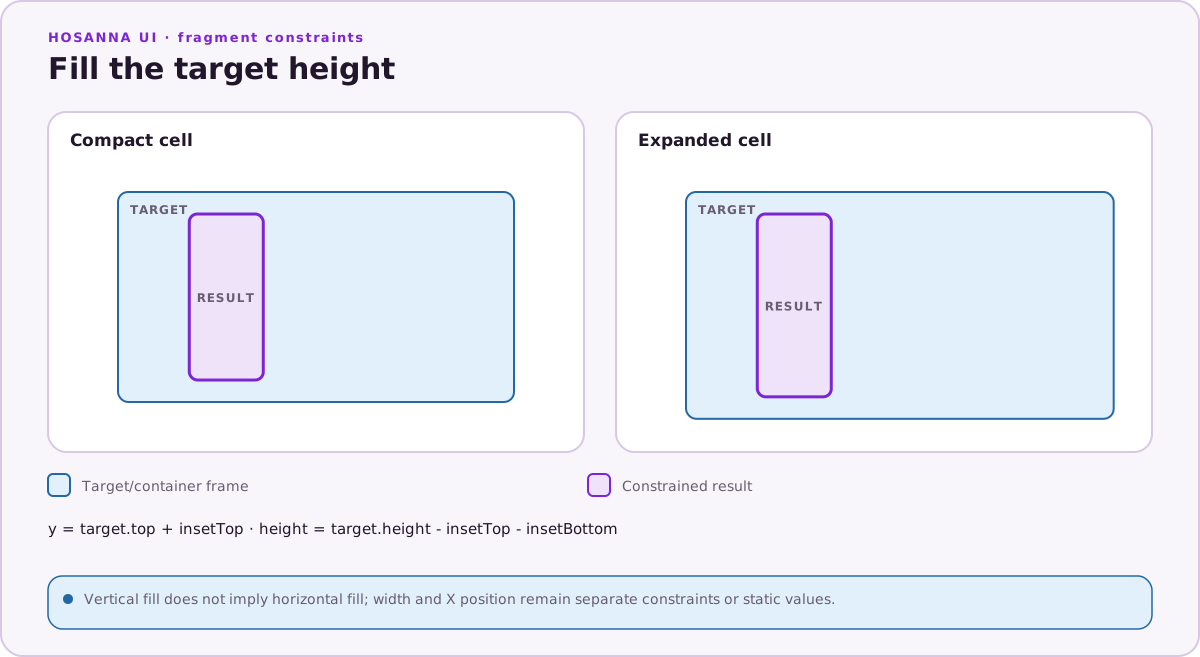
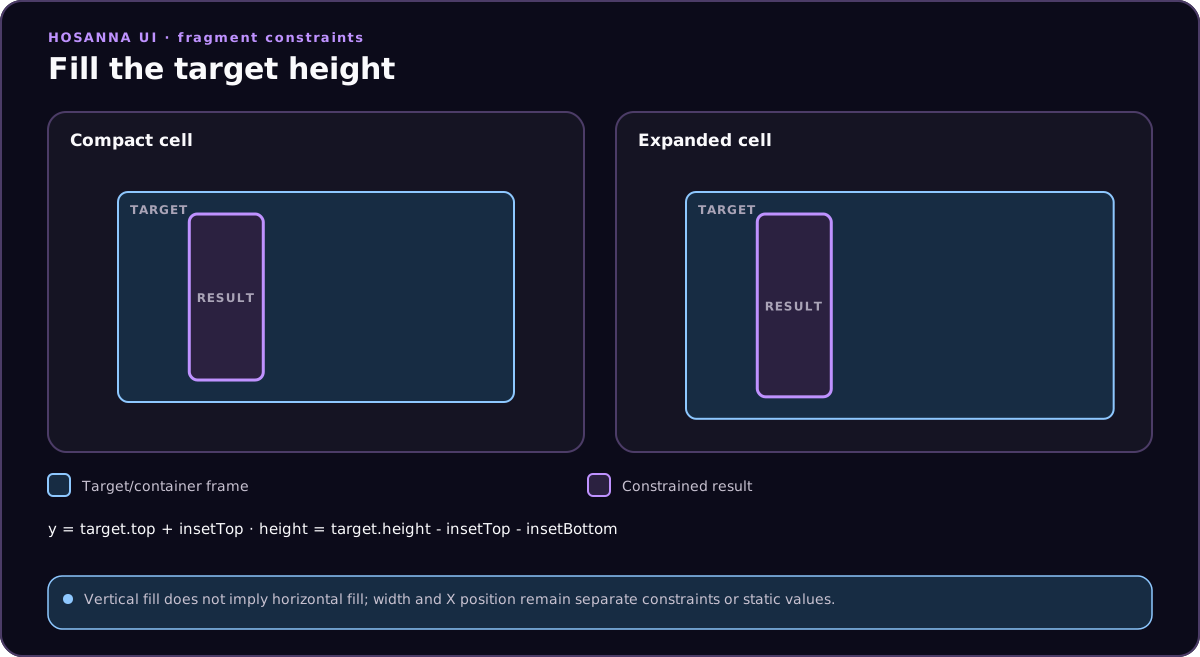
fillY | Fill vertical space between two edges | y and height |
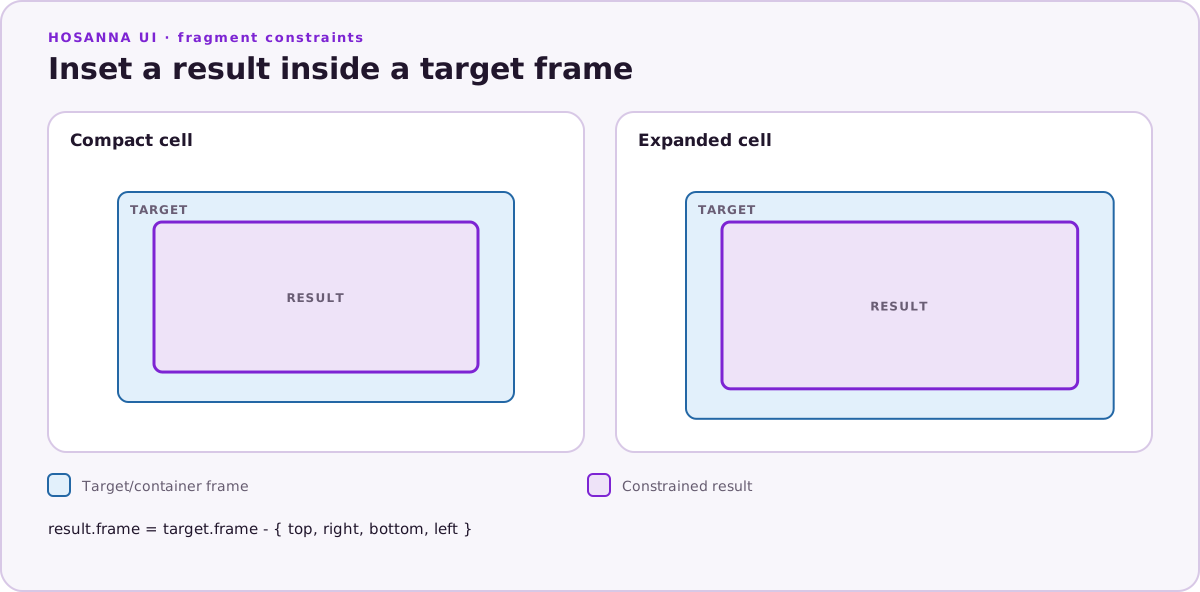
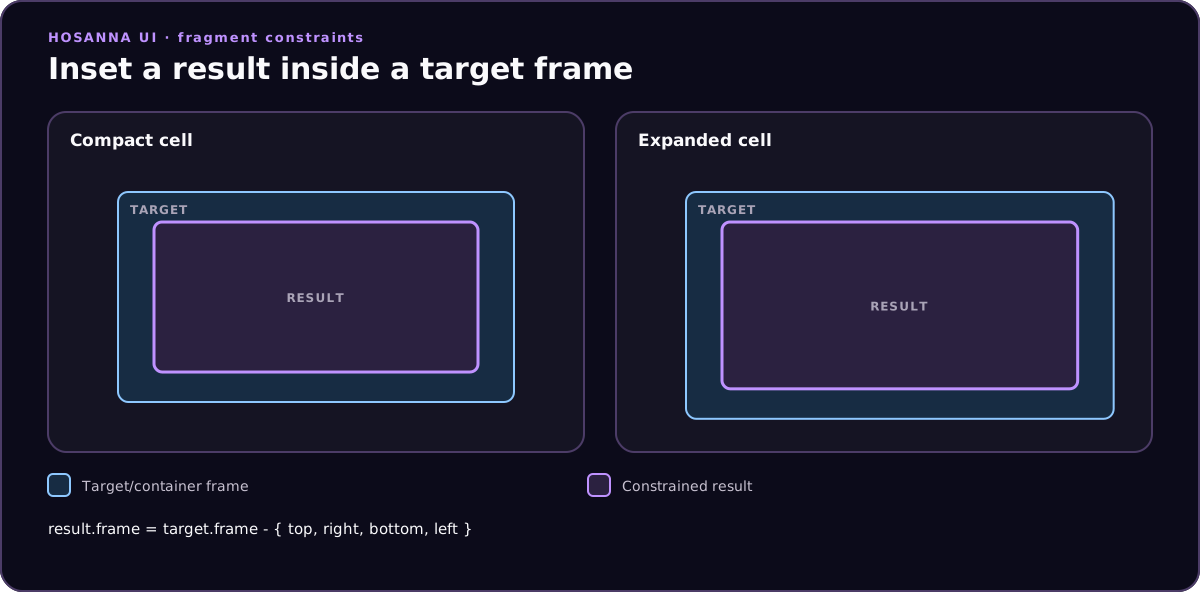
inset | Copy a frame with four insets or outsets | x, y, width, and height |
matchSize | Copy dimensions without moving | width and height |
matchFrame | Copy a complete frame with optional offsets | x, y, width, and height |
aspectRatio | Derive one dimension from the other | width or height |
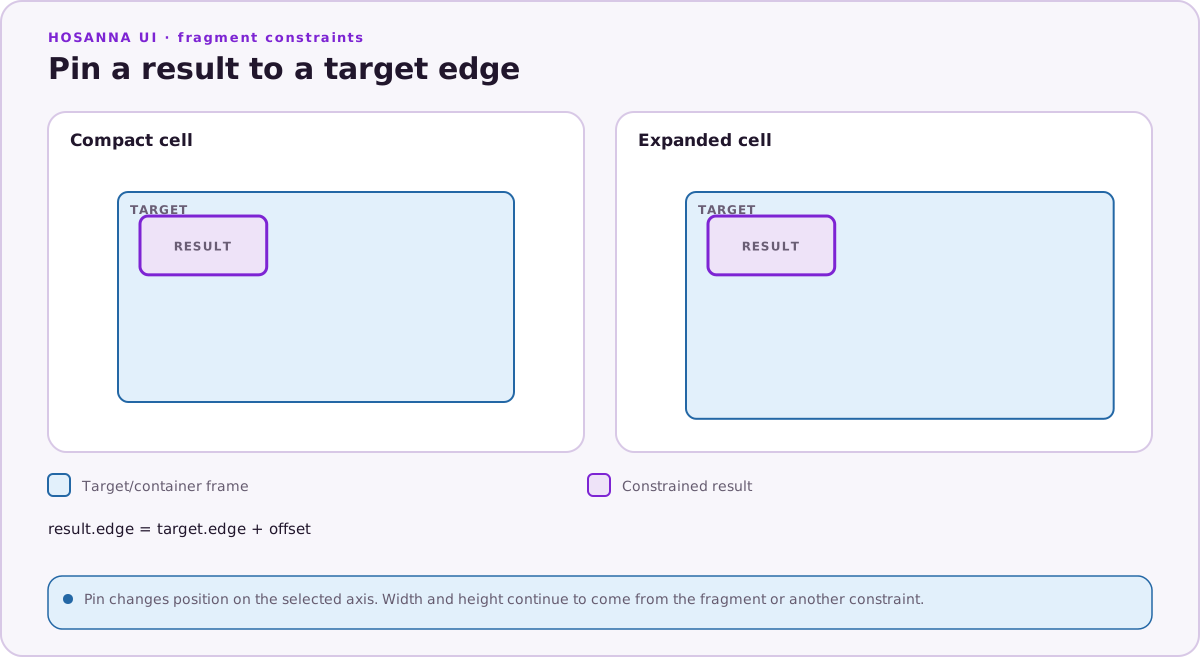
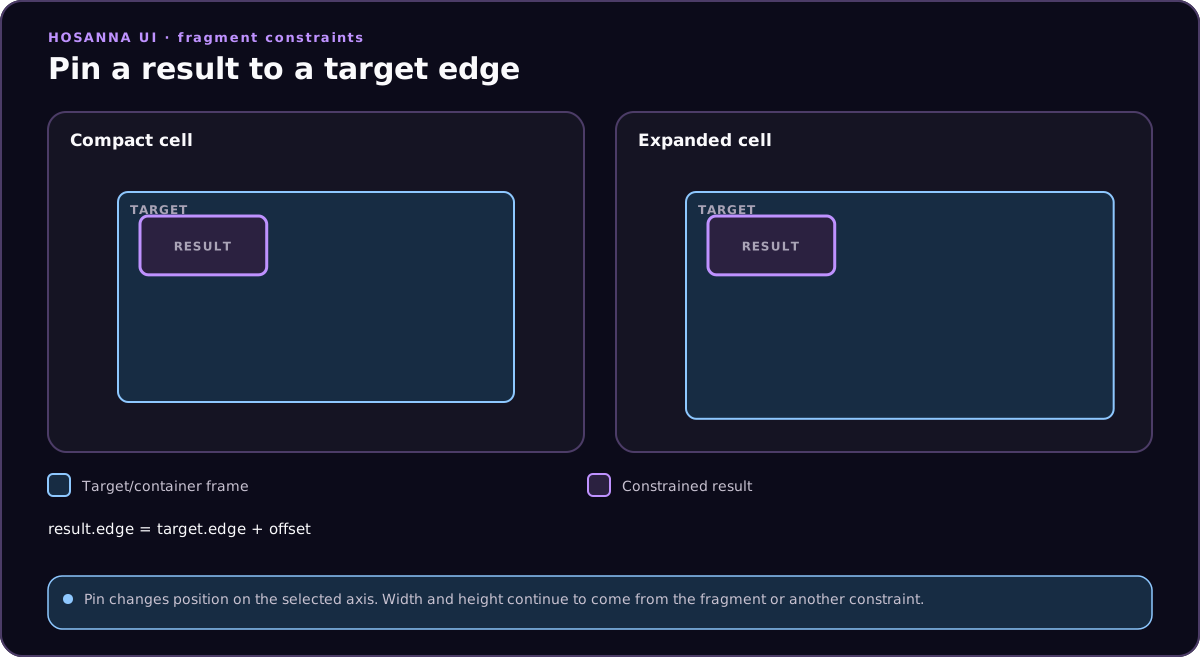
pin
{{constraint.pin(selfEdge, target.edge, margin = 0, options?)}}
pin moves an edge or center of the current view to a target edge plus the
margin. Author it on translation[0] or x for horizontal movement and on
translation[1] or y for vertical movement.
{
  "translation": [
    "{{constraint.pin(left, poster.right, 24)}}",
    "{{constraint.pin(top, poster.top, 0)}}"
  ]
}
fillX
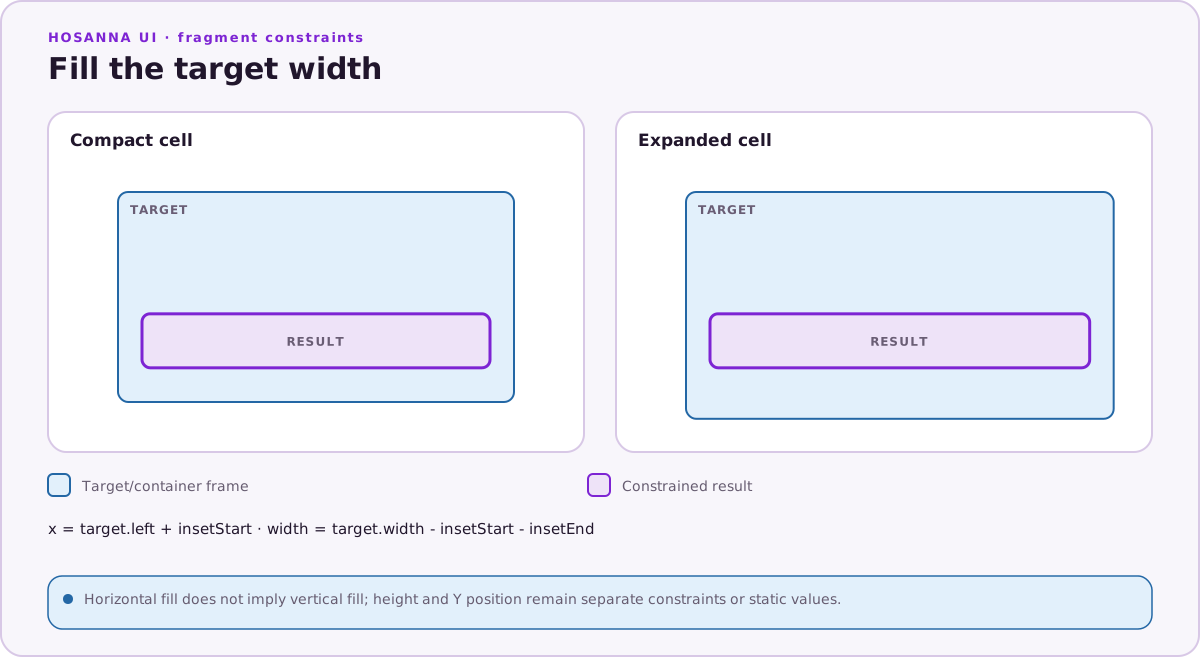
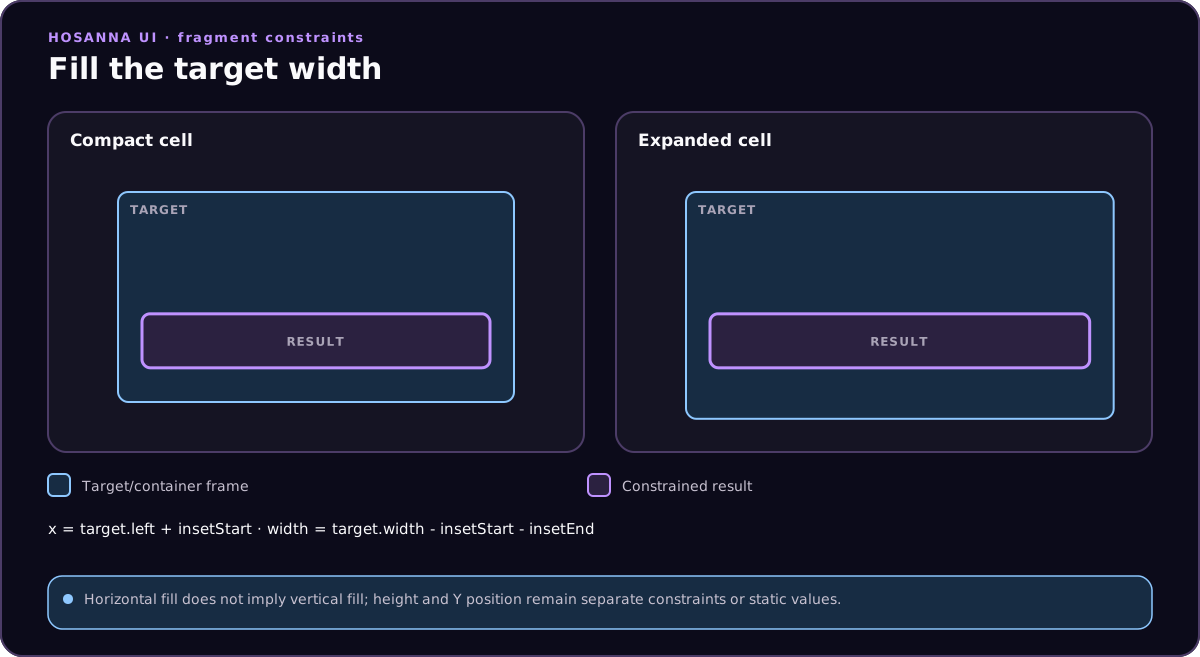
{{constraint.fillX(start.edge, end.edge, startMargin = 0, endMargin = 0, options?)}}
For the first argument, an unqualified edge such as left refers to the
current view. fillX writes the current view's x and width between the two
edges. Author it on width, translation[0], or x; AppConfig compiles all
three forms as a width rule.
{
  "width": "{{constraint.fillX(left, cell.right, 0, 40)}}"
}
fillY
{{constraint.fillY(start.edge, end.edge, startMargin = 0, endMargin = 0, options?)}}
For the first argument, an unqualified edge such as top refers to the
current view. fillY writes y and height. Author it on height,
translation[1], or y; AppConfig compiles all three forms as a height rule.
{
  "height": "{{constraint.fillY(top, cell.bottom, 12, 20)}}"
}
inset
{{constraint.inset(target, left, top, right, bottom, options?)}}
inset copies the target view or cell frame and applies four insets. It
writes the current view's complete frame. Negative values create an outset,
which is useful for a padded background behind content.
{
  "width": "{{constraint.inset(titleLabel, -18, -12, -18, -12)}}"
}
The authored field only provides a place for the binding; AppConfig emits one rule and the runtime writes all four frame fields.
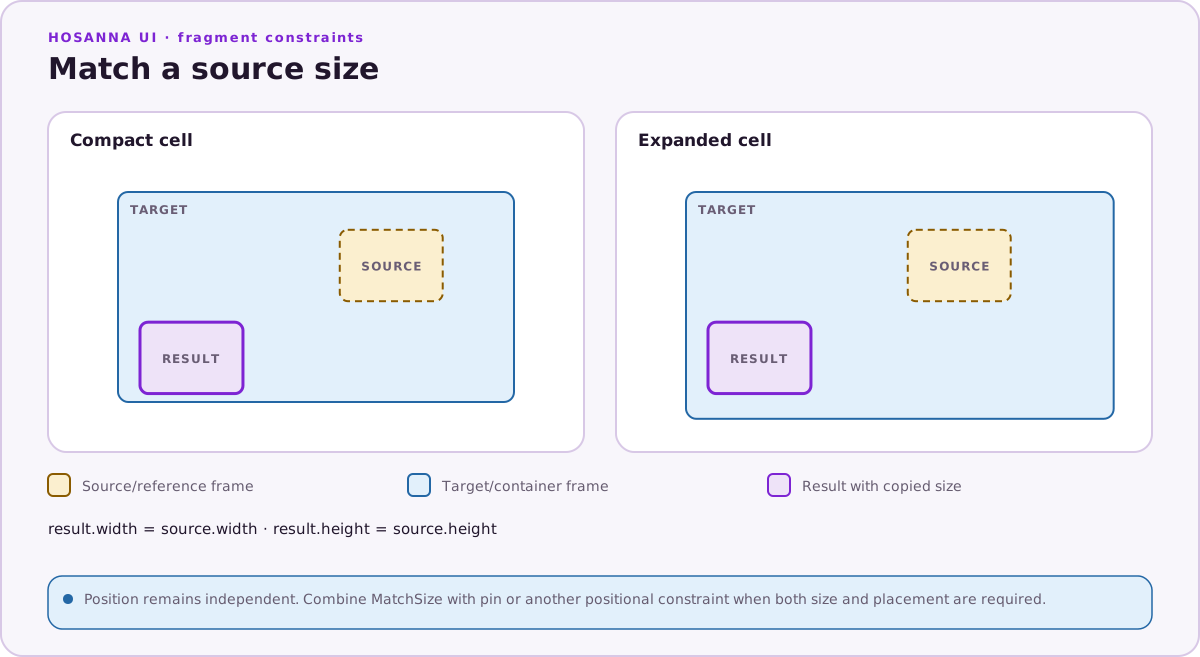
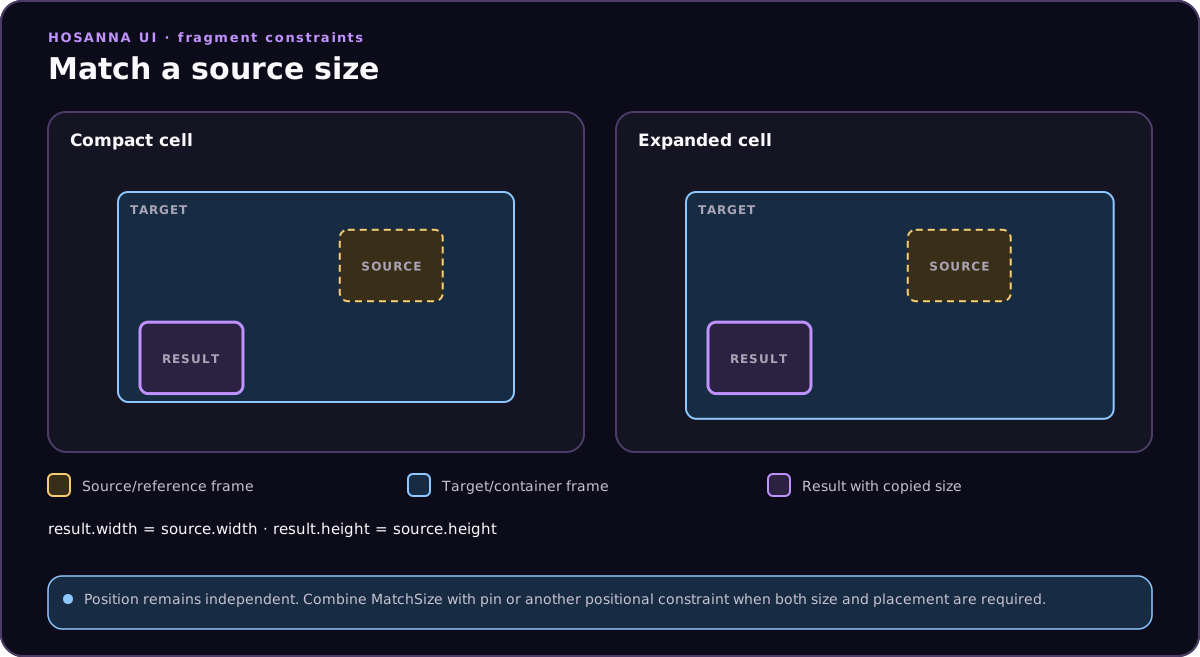
matchSize
{{constraint.matchSize(target, options?)}}
matchSize copies the target view or cell width and height without moving
the current view:
{
  "width": "{{constraint.matchSize(cell)}}"
}
The authored field only hosts the binding; the runtime writes both dimensions.
matchFrame
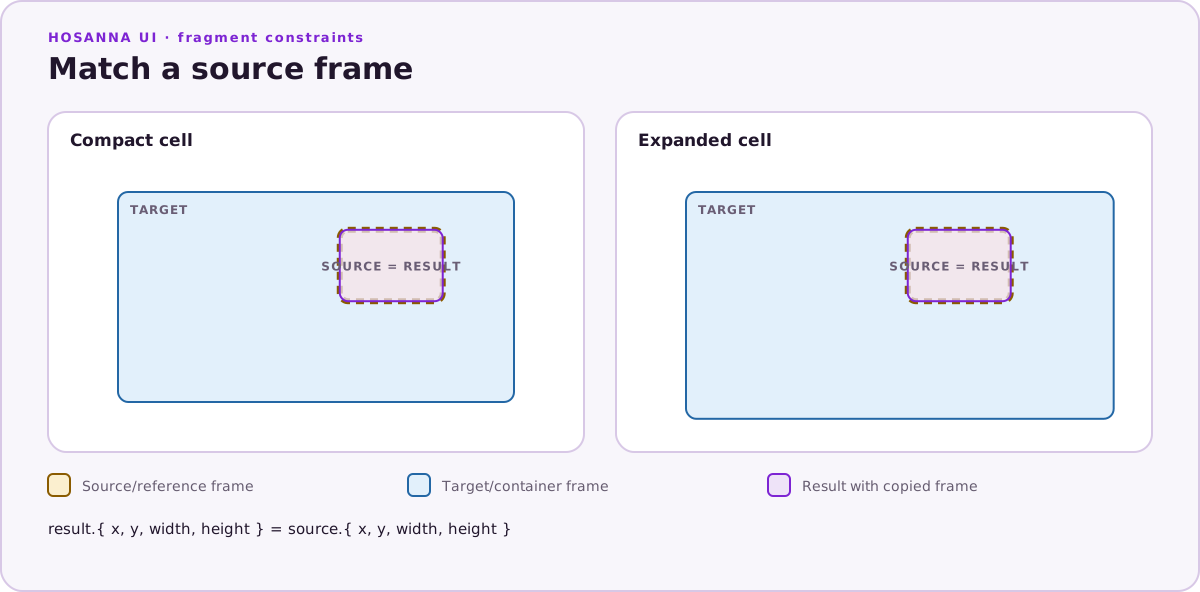
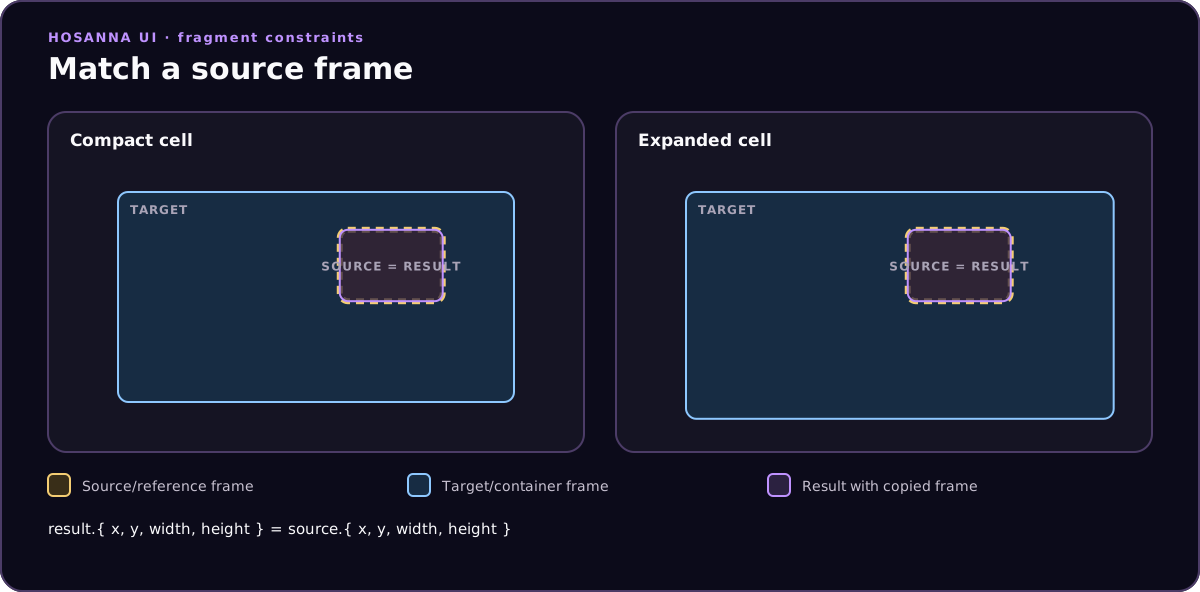
{{constraint.matchFrame(target, left = 0, top = 0, right = 0, bottom = 0, options?)}}
matchFrame copies the target x, y, width, and height, then applies
the four edge offsets. Positive values inset the result and negative values
create an outset:
{
  "translation": [
    "{{constraint.matchFrame(titleLabel, -18, -12, -18, -12)}}",
    0
  ]
}
AppConfig emits one rule and the runtime writes the complete frame.
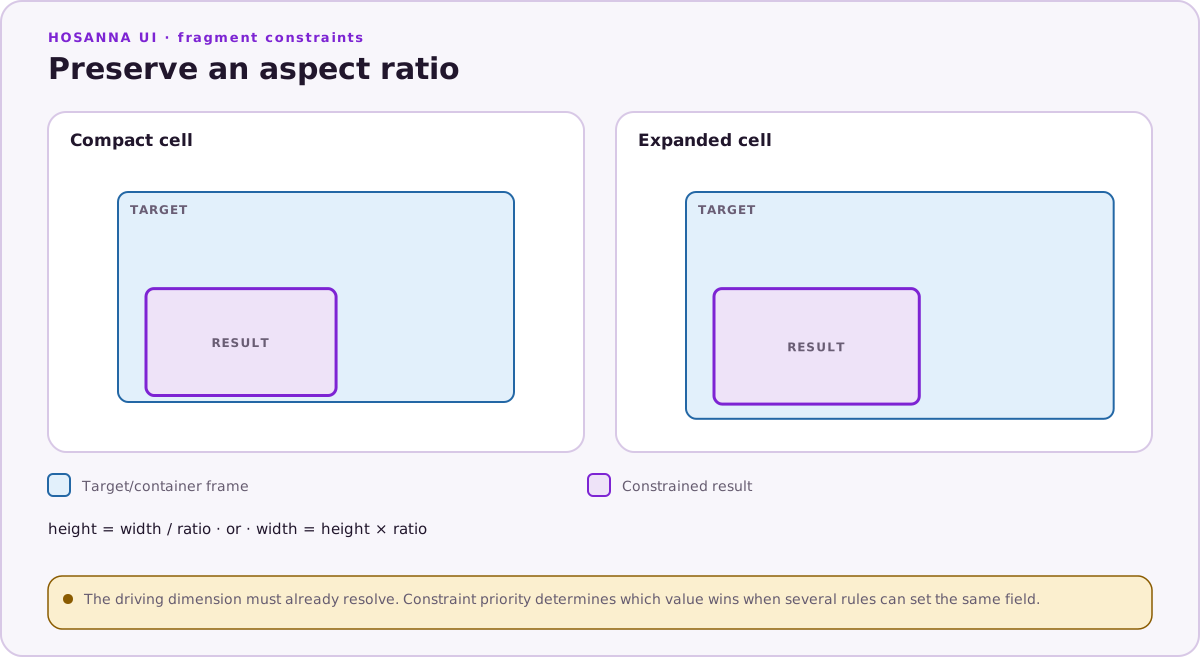
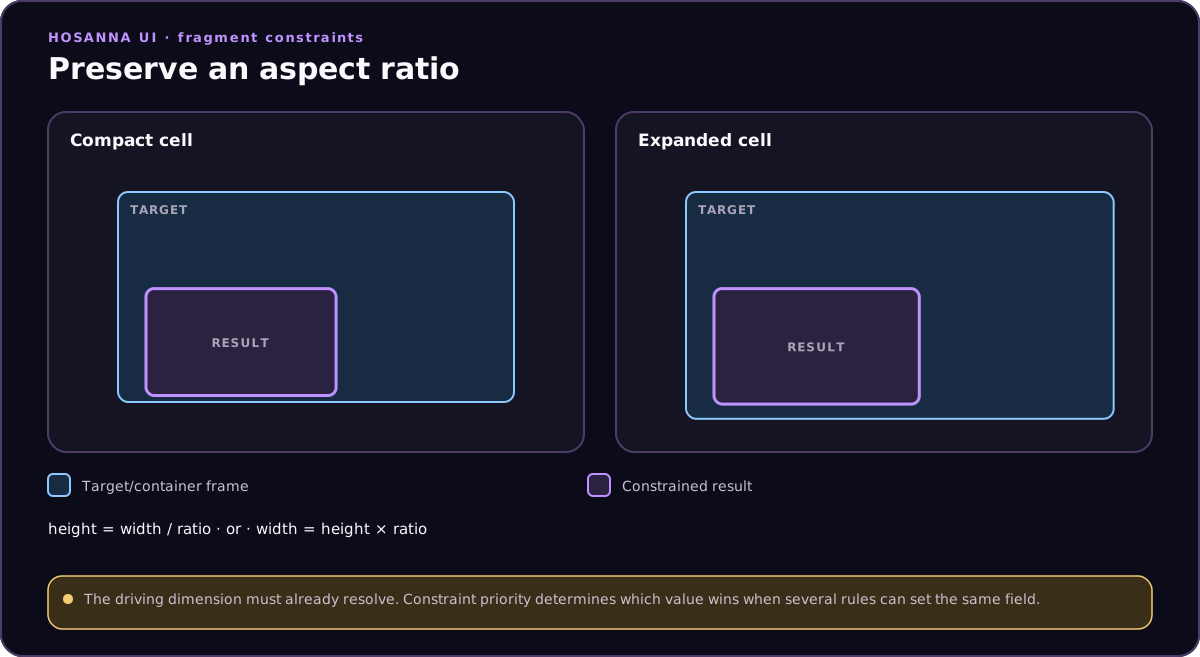
aspectRatio
{{constraint.aspectRatio(ratio, sourceDimension = "width", options?)}}
The ratio is width divided by height. With the default "width" source,
aspectRatio writes height = width / ratio. With "height", it writes
width = height * ratio.
{
  "height": "{{constraint.aspectRatio(1.7777777778)}}"
}
{
  "width": "{{constraint.aspectRatio(1.7777777778, \"height\")}}"
}
A zero ratio, or a zero source dimension, throws during constraint evaluation.
References and Edges
Use cell for the FragmentView, CollectionView cell, or row-header host
bounds. Use a child id for another view in the same fragment parent.
Child-to-child constraints cannot cross parents.
Supported edges are:
left, right, start, end, top, bottom,
centerX, centerY, width, height, x, y
AppConfig resolves logical start and end to left or right from the active
locale before compiling the constraint plan. Prefer them for horizontal
pin and fillX relationships that must follow reading direction.
Inline target references combine the ID and edge, such as poster.right or
cell.bottom. Explicit rules store the target ID and edge as separate
arguments.